 Papyra
How to scan multiple pages into one PDF on Android
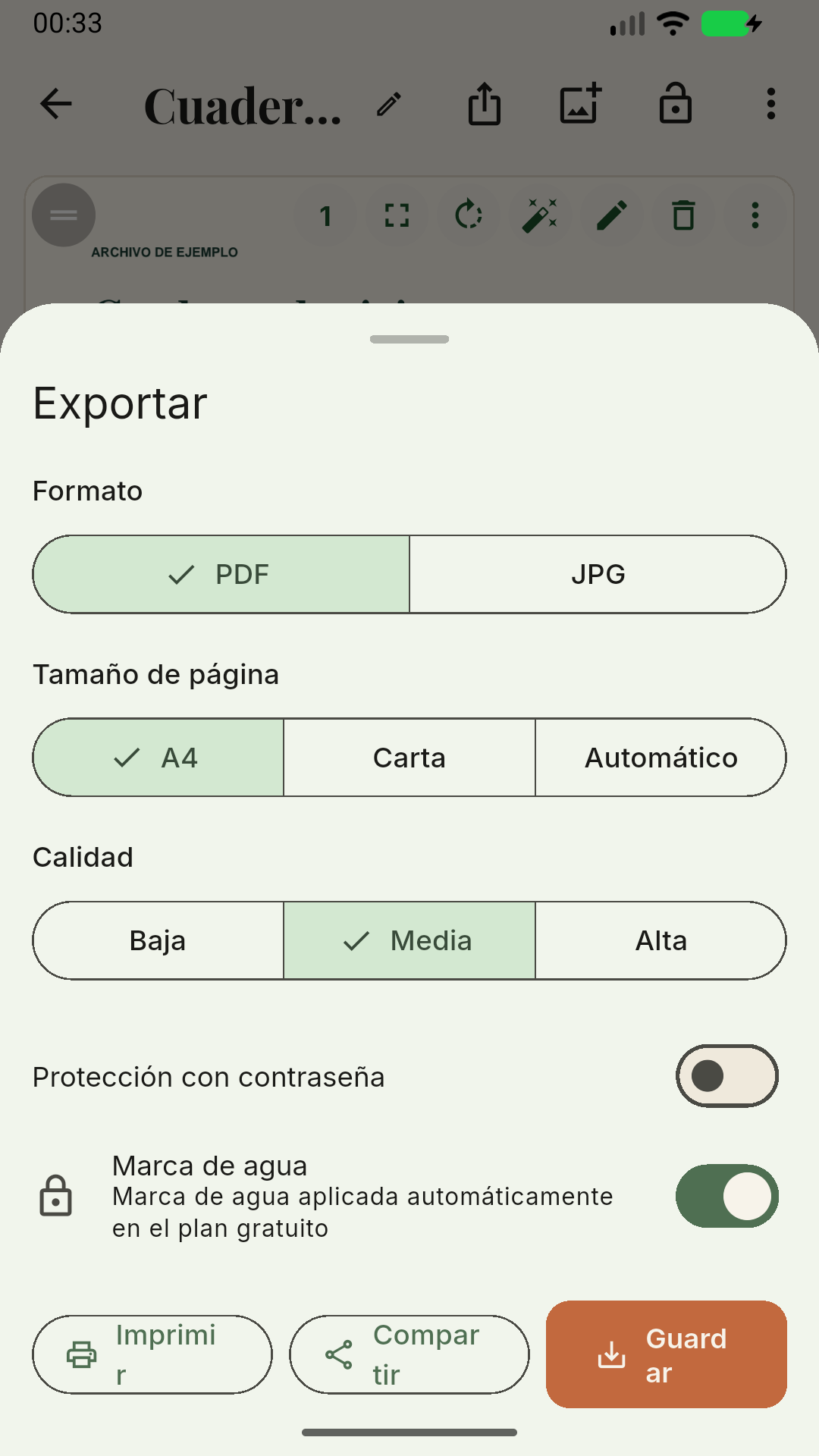
To scan multiple pages into one PDF on Android, add them to the same document, check the page order, and export them together.
How do I put all the pages in one document?
Add every sheet to the same document in Papyra. When scanning, keep all four corners in view and check that your hand isn't casting a shadow on the text.
What should I check before exporting?
Look through the thumbnails in order. Open pages with small print to make sure it's readable and the crop hasn't cut off a line.
How do I know the PDF is complete?
Open the PDF you just saved. Count the pages and read the last one to catch a missing sheet or make sure you've opened the right file.
Use optical character recognition (OCR) to copy text out of a scan. You can read a scanned page as an image even if its text can't be selected yet.